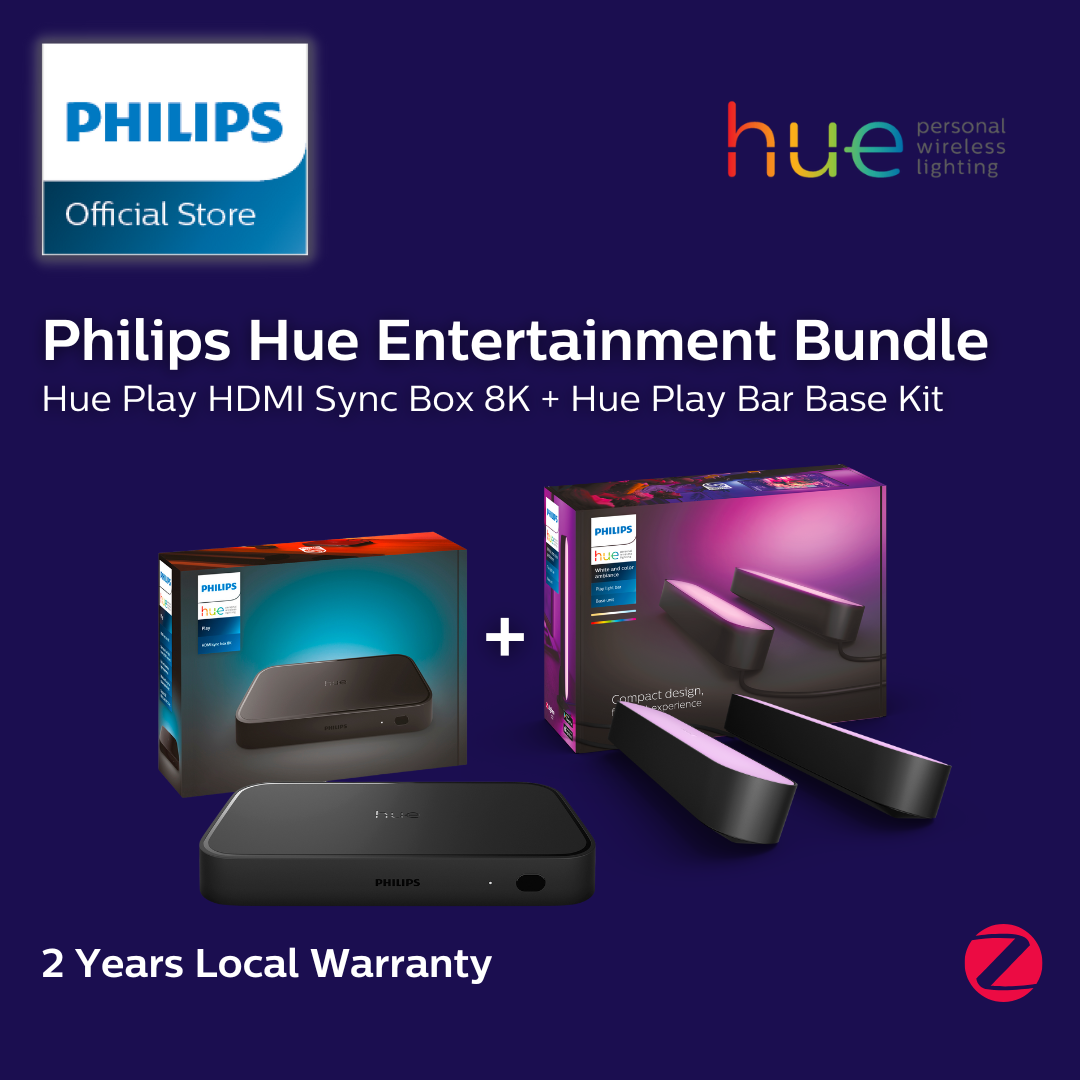
Description
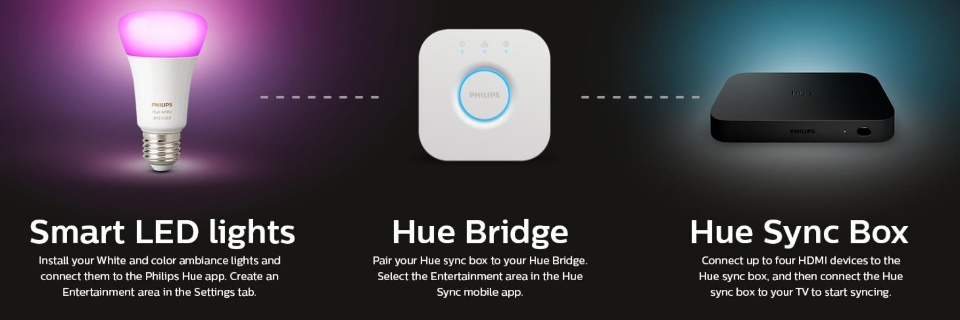
Key Information before purchase A gentle note before purchase. To sync your entertainment devices there are 2 ways: (1) TV with Philips Hue Sync App Additional accessories needed: Philips Hue Bridge Instructions: Kindly check if your SmartTV supports the App. A monthly or one-time membership fee is needed (2) TV without Philips Hue Additional accessories needed: Philips Hue Sync Box and Philips Hue Bridge Instructions: - TV with output port: connect TV output port into Sync Box - TV without output port: Sync Box needs to be connected to an additional HDMi devce e.g. gaming console (PS5), streaming stick (chromecast), set-top box IMPORTANT NOTE: a TV without output port will not sync if the HDMi cable is connected directly with the TV